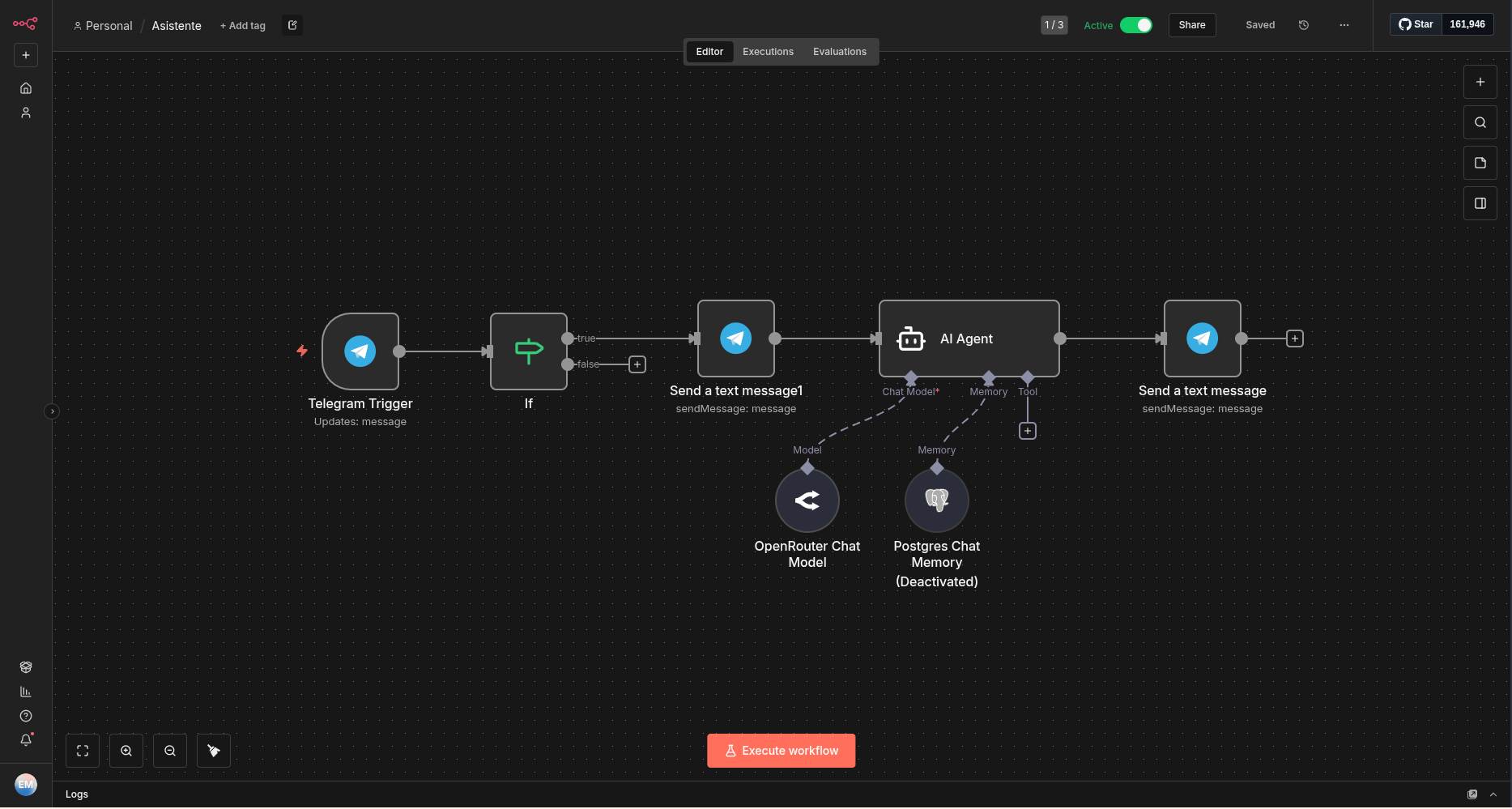
Aquesta guia explica com implementar n8n, una eina de automatització de flux de treball extensible, en un host Dokku. Dokku és una PaaS lleugera que simplifica la implementació i l’administració d’aplicacions mitjançant Docker.
Requisits previs
Abans de continuar, assegureu-vos de tenir el següent:
- Un [host Dokku] en funcionament (http://dokku.viewdocs.io/dokku/getting-started/installation/).
- El [complement PostgreSQL] (https://github.com/dokku/dokku-postgres) instal·lat a Dokku.
- (Opcional) El [complement Let’s Encrypt] (https://github.com/dokku/dokku-letsencrypt) per a certificats SSL.
Instruccions de configuració
1. Crear l’aplicació
Inicia sessió al teu host de Dokku i crea l’aplicació n8n:
dokku apps:create n8n
2. Configurar l’aplicació
Instal·lar, crear i vincular el plugin de PostgreSQL
- Instal·lar el plugin de PostgreSQL:
dokku plugin:install https://github.com/dokku/dokku-postgres.git postgres
- Crear un servei de PostgreSQL:
dokku postgres:create n8n
- Vincular el servei de PostgreSQL a l’aplicació:
dokku postgres:link n8n n8n
Establir la clau de xifrat
Generar i configurar una clau de xifratge per a n8n:
dokku config:set n8n N8N_ENCRYPTION_KEY=$(fet `openssl rand -base64 45` | tr -d \=+ | cut -c 1-32)
Configurar la URL del webhook
Configureu l’URL del webhook per a la vostra instància n8n:
dokku config:set n8n WEBHOOK_URL=https://n8n.example.com
3. Configurar l’emmagatzematge persistent
Per conservar les dades entre reinicis (com nodes de la comunitat, registres, etc.), creeu una carpeta a l’equip host i munteu-la al contenidor de l’aplicació:
dokku storage:ensure-directory n8n --chown false
# chown 1000:1000 /var/lib/dokku/data/storage/n8n
dokku storage:mount n8n /var/lib/dokku/data/storage/n8n:/home/node/.n8n
4. Configurar el domini i els ports
Configureu el domini de la vostra aplicació per habilitar l’encaminament:
dokku domains:set n8n n8n.example.com
Assignar el port intern 5678 al port extern 80:
# dokku proxy:ports-set n8n http:80:5678
Clonar el repositori i enviar manualment
Si prefereixes treballar amb el repositori localment, pots clonar-lo al teu equip i enviar-lo manualment al teu servidor Dokku:
- Clonar el repositori:
# Via HTTPS
git clone https://github.com/edumag/n8n_on_dokku.git
- Afegeix el teu servidor Dokku com a Git remot:
git remote add dokku dokku@example.com:n8n
- Enviar l’aplicació al vostre servidor Dokku:
git push dokku master
Trieu el mètode que millor s’adapti al vostre flux de treball.
6. Habilitar SSL (Opcional)
Protegeixi la seva aplicació amb un certificat SSL de Let’s Encrypt:
- Afegiu el port HTTPS:
dokku proxy:ports:add n8n https:443:5678
- Instal·leu el connector de Let’s Encrypt:
dokku plugin:install https://github.com/dokku/dokku-letsencrypt.git
- Configureu el correu electrònic de contacte per a Let’s Encrypt:
dokku letsencrypt:set n8n email you@example.com
- Habiliteu Let’s Encrypt per a l’aplicació:
dokku letsencrypt n8n
Conclusió
Felicitacions! La vostra instància n8n ja està en funcionament. Pots accedir-hi a https://n8n.example.com.
Per a més informació sobre n8n, visiteu la documentació oficial.